Delete a database
Queue exact-name deletion and follow deferred, running, failed, and completed states.
Database deletion is asynchronous and destructive. Organization owners and admins can queue it from the database settings. Applications lose access when routing and live resources are removed, and there is no self-service undo.
Queue deletion
- Open the database and select Settings.
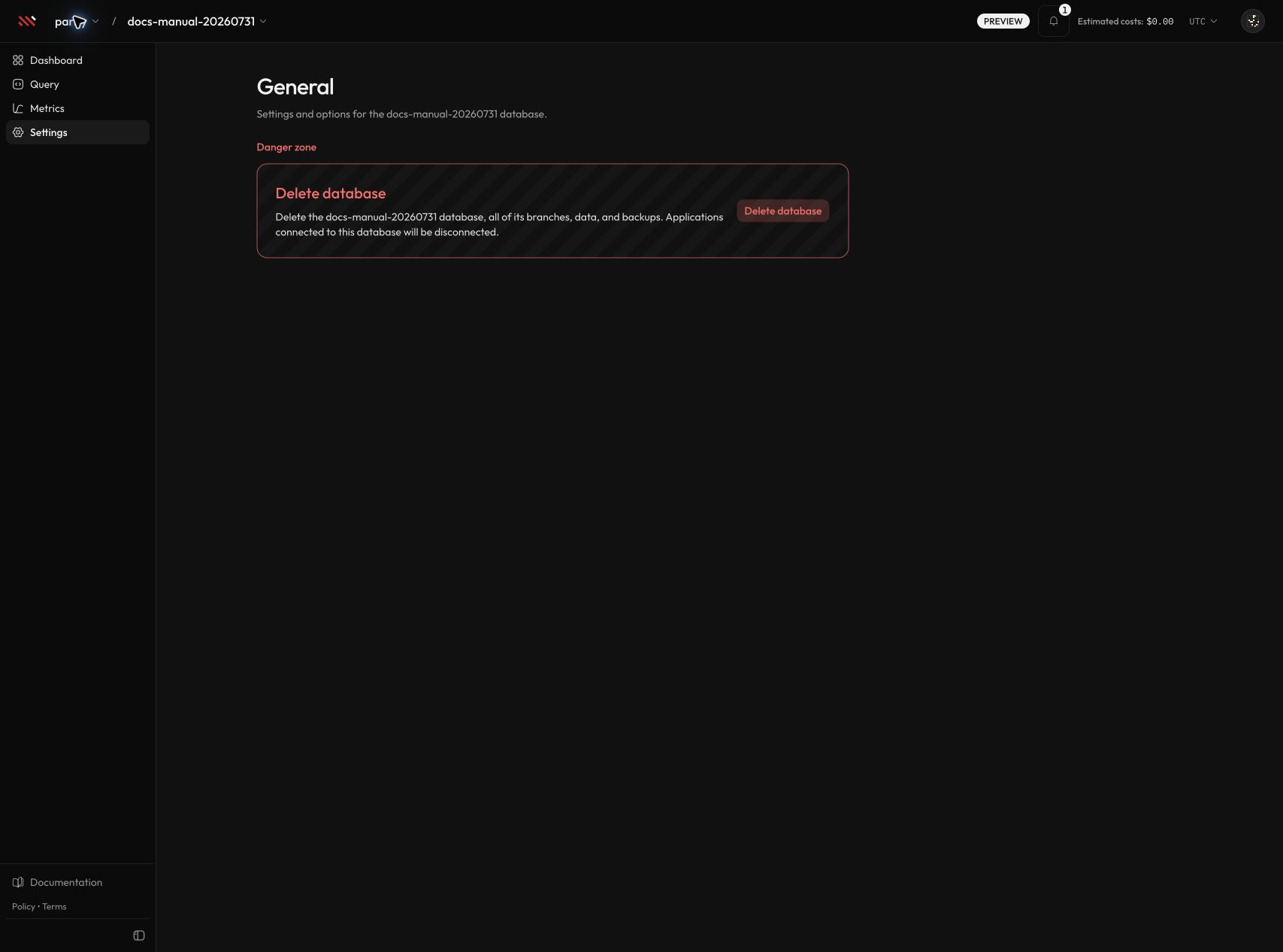
- In Danger zone, select Delete database.
- Type the displayed database name exactly. The Queue deletion button stays disabled until the name matches.
- Select Queue deletion.
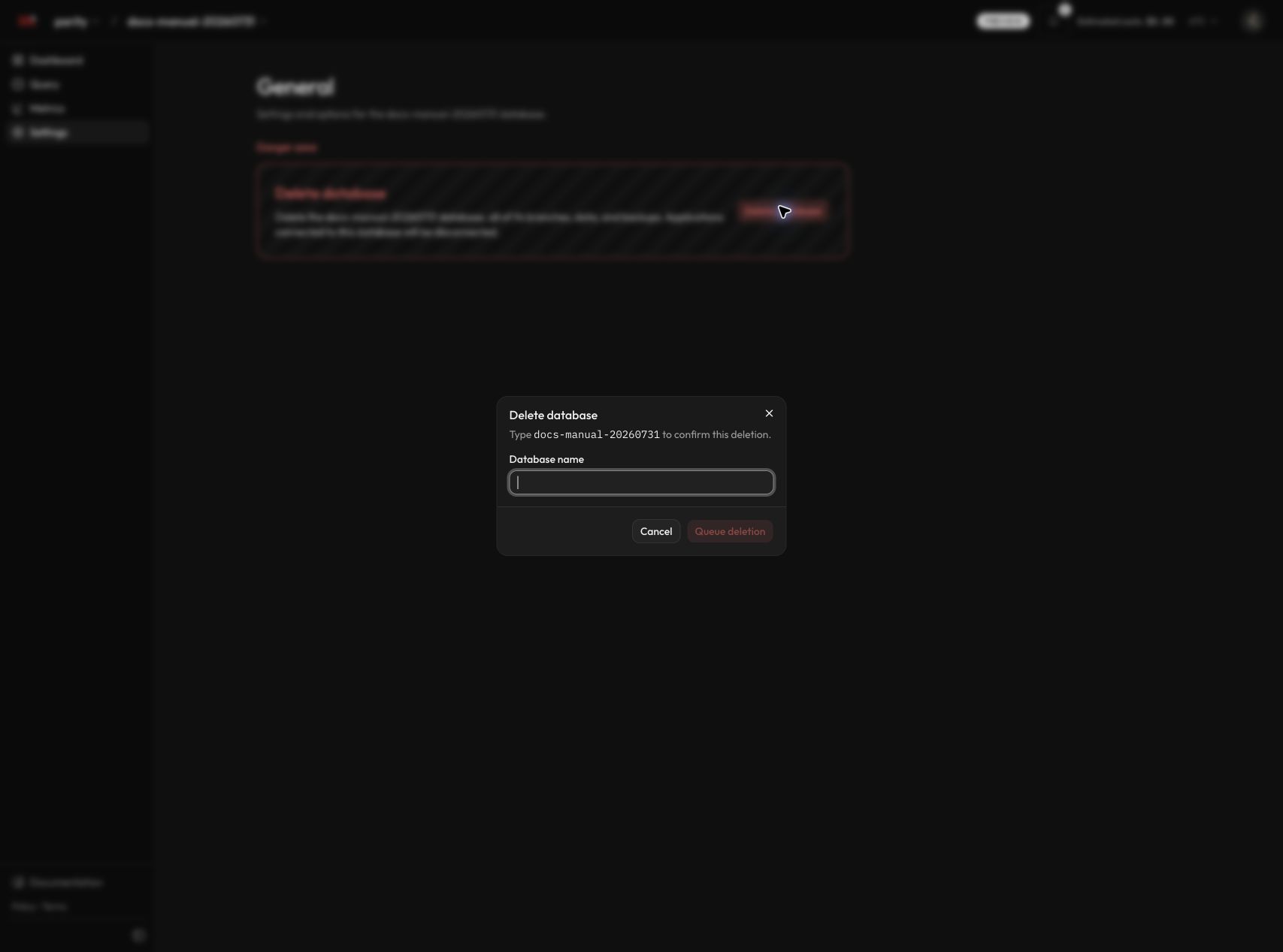
The form trims surrounding whitespace, but capitalization and the database name itself must match. A successful request returns a workflow ID and redirects to the organization database list.
Deletion states
| State | What you see | What is happening |
|---|---|---|
| Deferred | Deleting plus a message that deletion starts after provisioning | This is represented internally as queued, not as a separate terminal status. Parix waits for the active provisioning job, then starts the deletion workflow. |
queued | Deleting | The request was accepted and is waiting to run. |
running | Deleting | Parix is cleaning control-plane state, access, routing, and owned infrastructure. |
failed | Delete failed, or the database is already absent | Cleanup stopped and the failure message is retained. An early failure can leave the database visible; a later failure can occur after Parix has already soft-deleted and hidden it. |
| Completed | The database disappears from the list | The database record is soft-deleted, its profile is marked deleted, and the temporary deletion state is cleared. A completed notification remains in lifecycle history. |
Queued and running states prevent a second deletion request. If a failed database is still visible, review its state and notification before retrying. If it has disappeared, do not recreate it under the same name until Parix support has checked the workflow ID and any remaining provider resources.
What deletion removes
For every database, Parix:
- removes the automatic backup schedule
- removes CDC configuration, destinations, and stored CDC secrets
- deletes database-scoped API keys
- purges CDC webhook delivery history
- attempts to invalidate TigerBeetle routing caches
- marks the database deleted and the profile
deleted - deactivates database metric collection
Routing-cache invalidation is best-effort: a cache-clear failure is logged but does not stop the deletion workflow.
For a dedicated database, Parix also decommissions database-owned compute, storage, routes, firewall rules, and networking resources. It does not delete the regional gateway host or its shared domain. For a Developer shared database, Parix releases the project’s shared-cell placement but does not tear down the shared host used by other projects.
Backup retention after deletion
Completed manual and scheduled backup artifacts are not deleted immediately. They remain until the organization backup retention period expires; the default is 7 days, and organization owners/admins can change it in organization settings. Retention cleanup later removes exported objects, retained provider snapshots when present, and backup metadata.
The current danger-zone screenshot says that backups are deleted with the database. That copy is broader than the implemented retention behavior described above.
Follow deletion notifications
Open the notification bell, then filter by database, Deletion, or status. Deletion emits queued, in-progress, completed, and failed lifecycle updates.
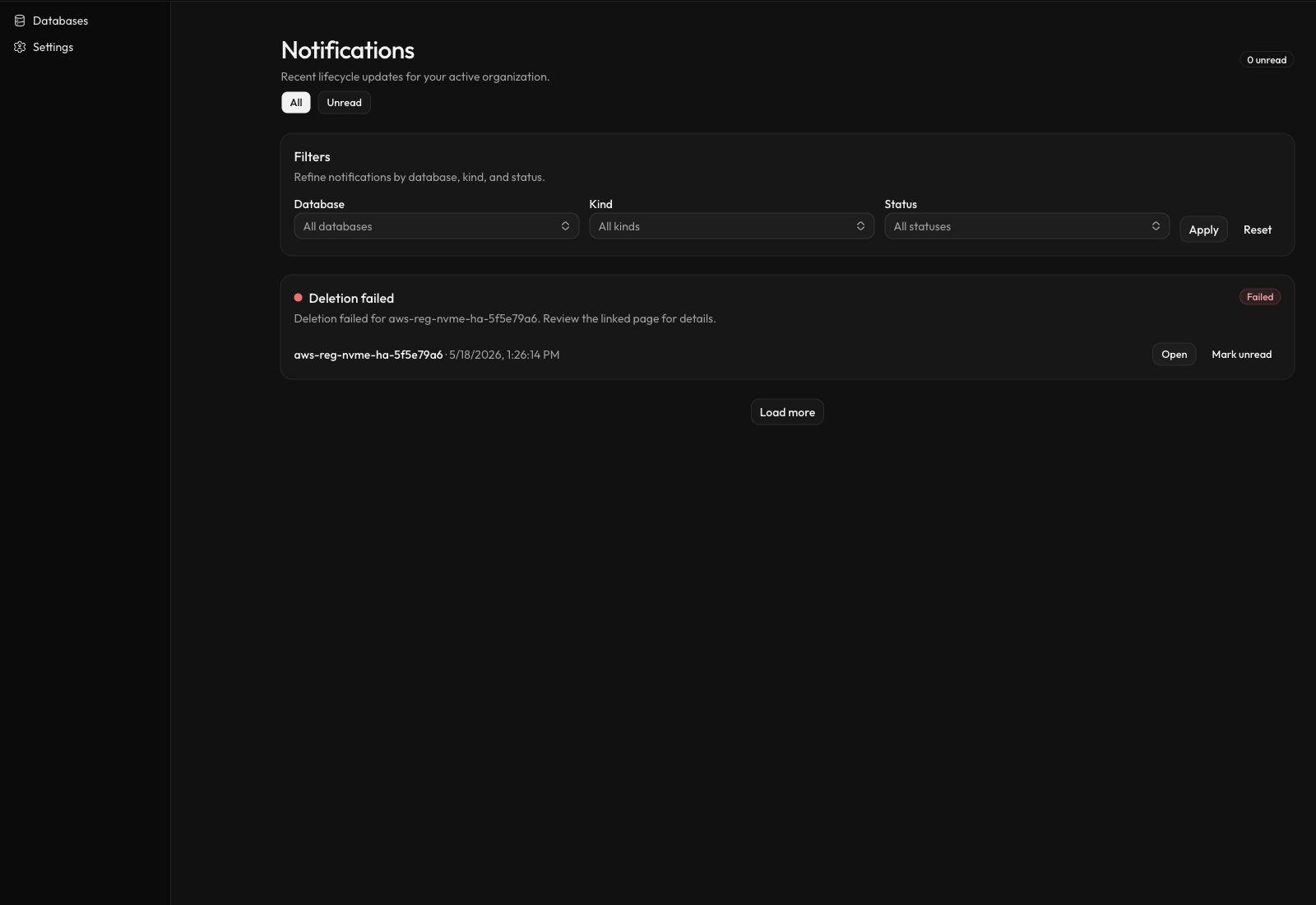
Select Open on a deletion notification to return to the organization database list. If the database remains visible, open it from there to inspect the retained failure state.
API clients can also queue deletion with DELETE /api/v1/databases/{databaseId} using an organization-wide credential with db:write. Database-scoped keys cannot delete a database. The API returns status: "queued" and a workflow ID; it does not wait for teardown to finish.