Billable usage
Read spend summaries, daily cost, metered products, and estimated usage.
Open Settings > Billing > Billable usage to review organization-wide metered cost. Any authenticated member of the active organization can read this page.
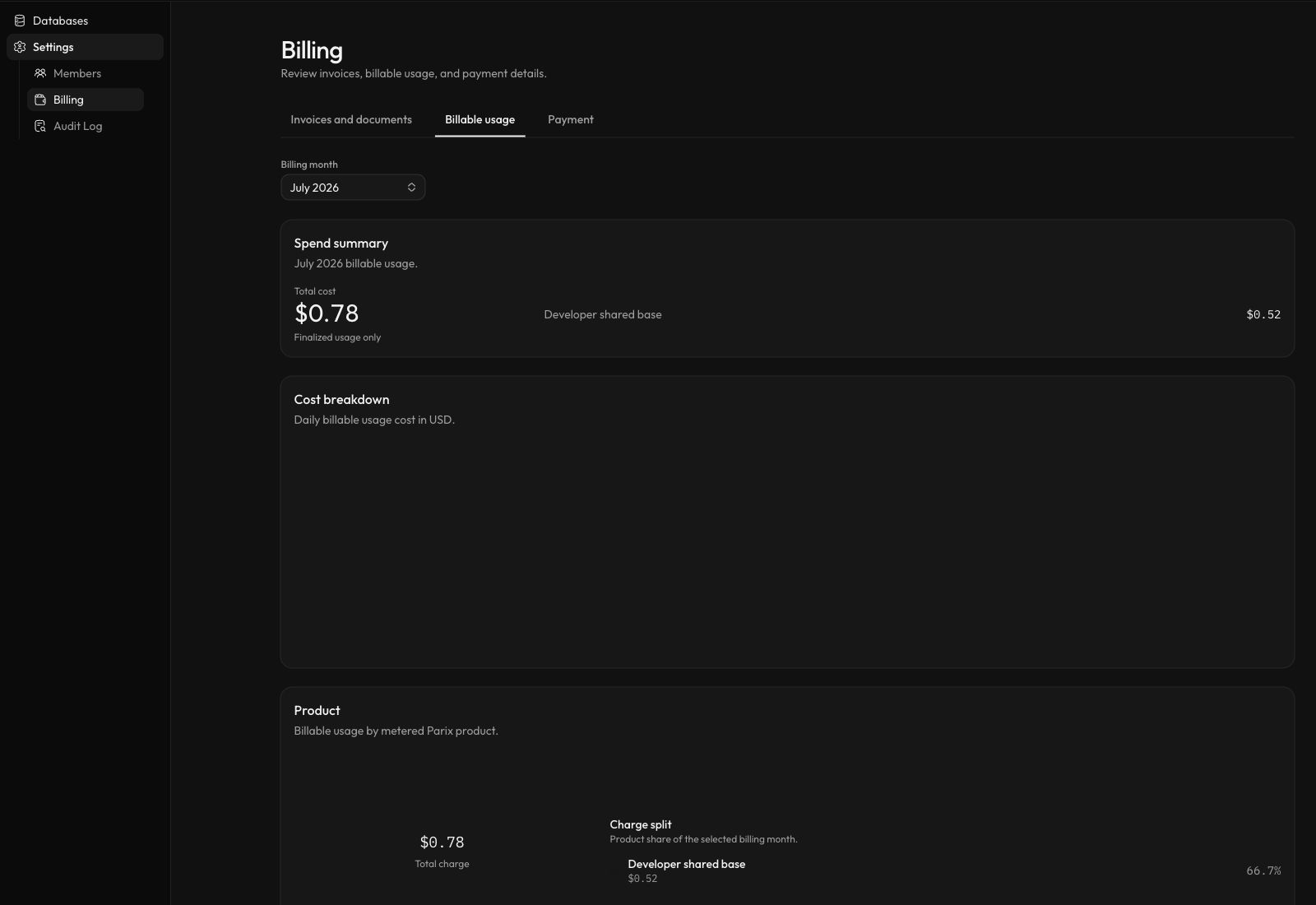
Select the screenshot to open it at full size.
Select a billing month
Use Billing month to select a UTC month between the organization’s creation month and the current month. The selected year and period remain in the URL when moving between billing tabs.
Read the spend summary
The summary shows the total cost for the selected month and whether the result includes estimated usage.
- Finalized usage only means every included usage bucket is finalized.
- Includes estimated usage means at least one included bucket is still estimated. Treat the total as provisional.
The daily chart shows billable usage cost in USD by UTC date. A missing chart means no billable usage was found for the period.
Read the product breakdown
The product chart and table group cost by metered product:
| Product | Metered quantity |
|---|---|
| Developer shared base | Prorated project hours for a paid Developer shared database |
| CPU usage | vCPU-hours |
| Memory usage | GB-hours |
| Disk allocation | GB-hours |
| Network ingress | GB transferred into the deployment |
| Network egress | GB transferred out of the deployment |
| CDC runtime | Hours that change data capture is active |
Each row shows total usage, billable usage, and usage cost. A row marked Estimated data contributes provisional values to the spend summary.
Complimentary Developer projects have no paid shared-base fee. Paid Developer projects use a fixed $5 monthly base that is prorated by active hours. Dedicated usage is rated from the active provider, region, and resource allocation.
Billable usage is the usage ledger view, not an invoice document. See Invoices and documents for issued invoice status and downloads.